A must-have tool for everyone: App Update Timeline
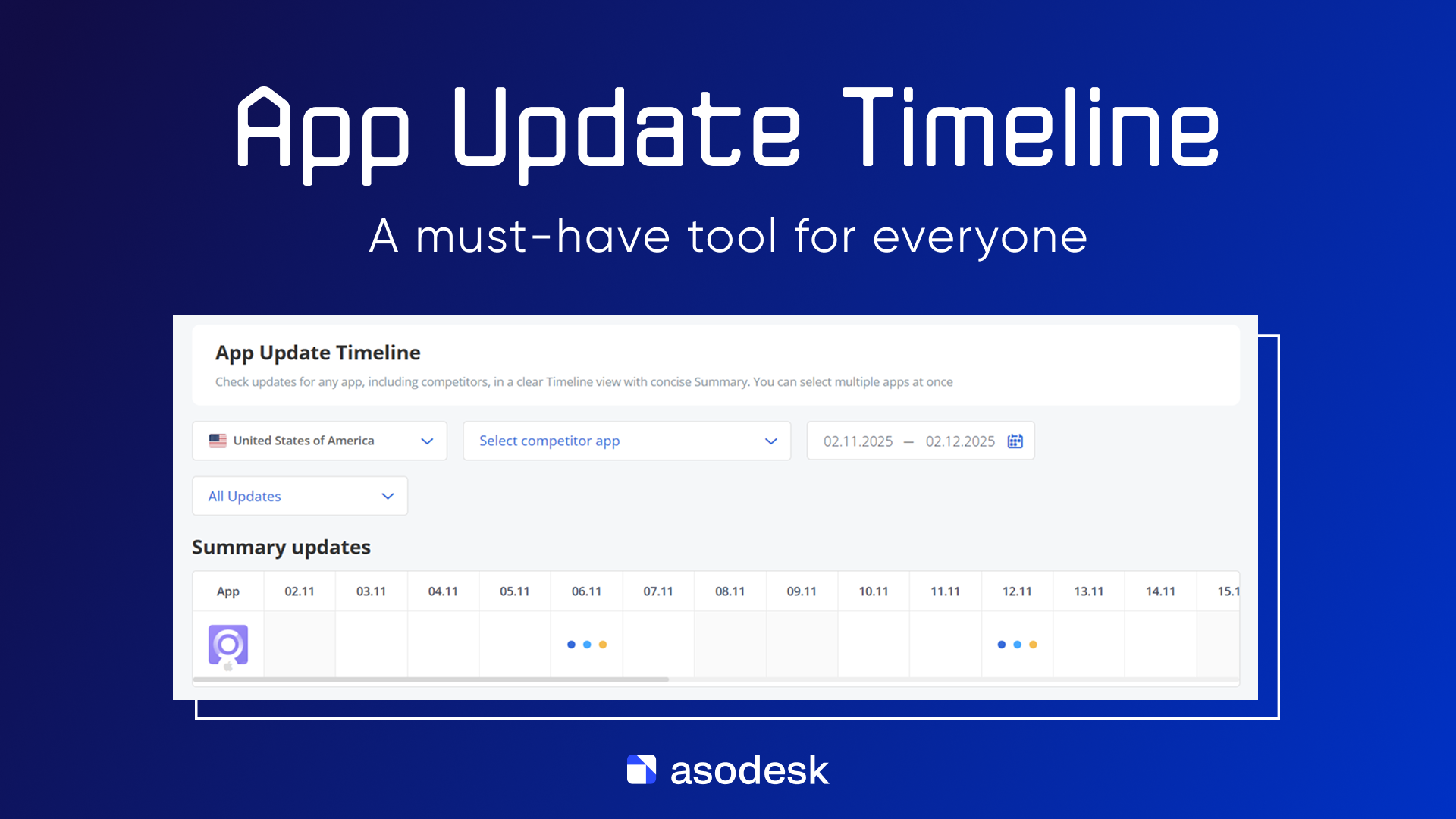
We’re excited to introduce a new tool in Asodesk — App Update Timeline. It provides a convenient feed of all metadata and visual asset changes for any app. You and your team can now see exactly when specific fields — such as the title, description, screenshots, icon, price, and more — were updated, both for your own apps and for your competitors.
This will significantly simplify your analysis: you’ll get a clear release history, the ability to correlate updates with changes in visibility, downloads, and reviews, as well as track strategic moves in the market. With App Update Timeline, you’ll have a powerful tool for identifying ASO hypotheses to optimize your app’s product page.
Types of updates
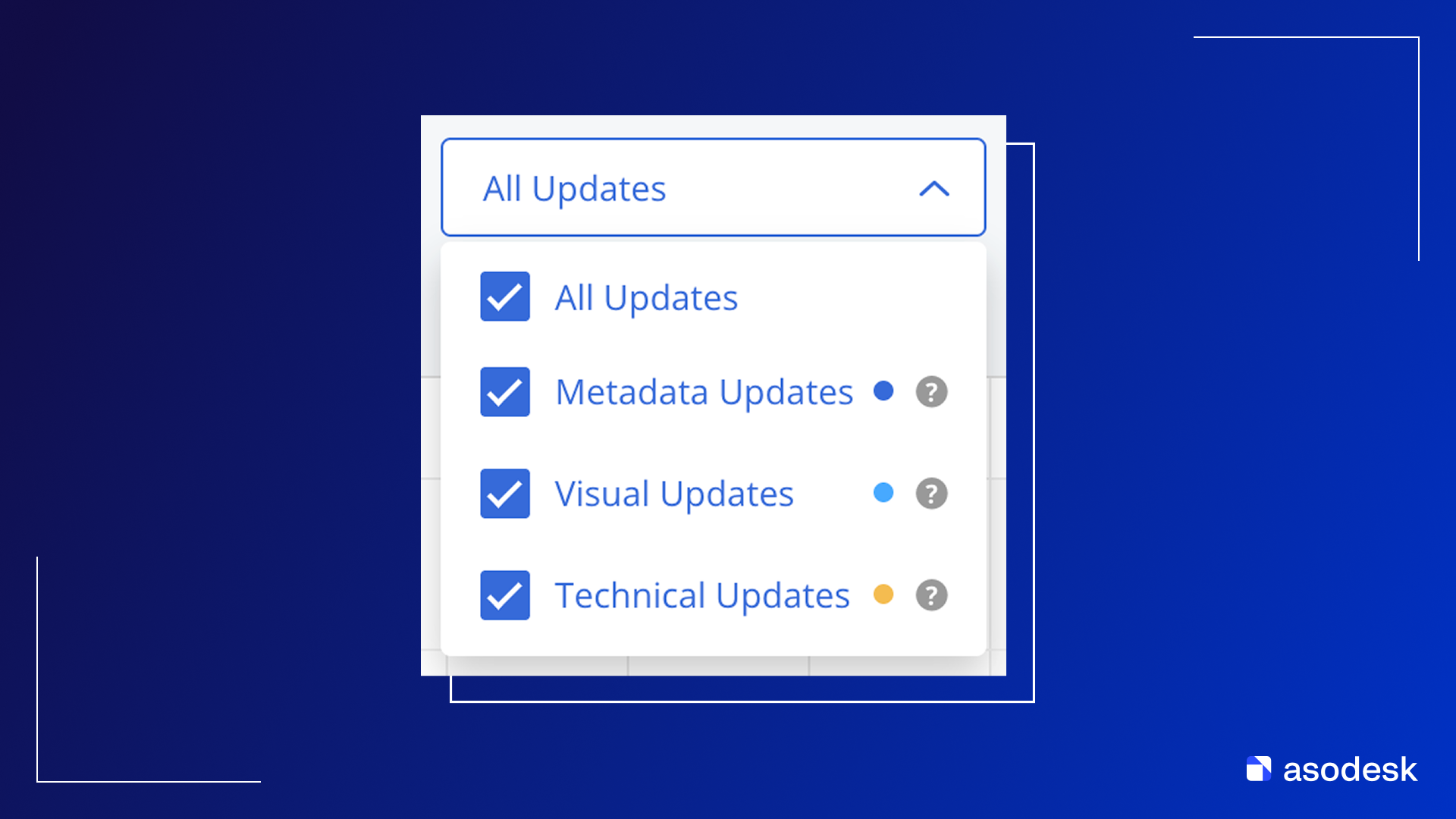
App Update Timeline includes 3 types of updates:
- Metadata Updates — Title, Subtitle, Description, Promotext, Short Description, What’s New;
- Visual Updates — Icon, Screenshots;
- Technical Update — Build Size, Developer name, In-app Purchases, Categories.
Unified timeline for competitors
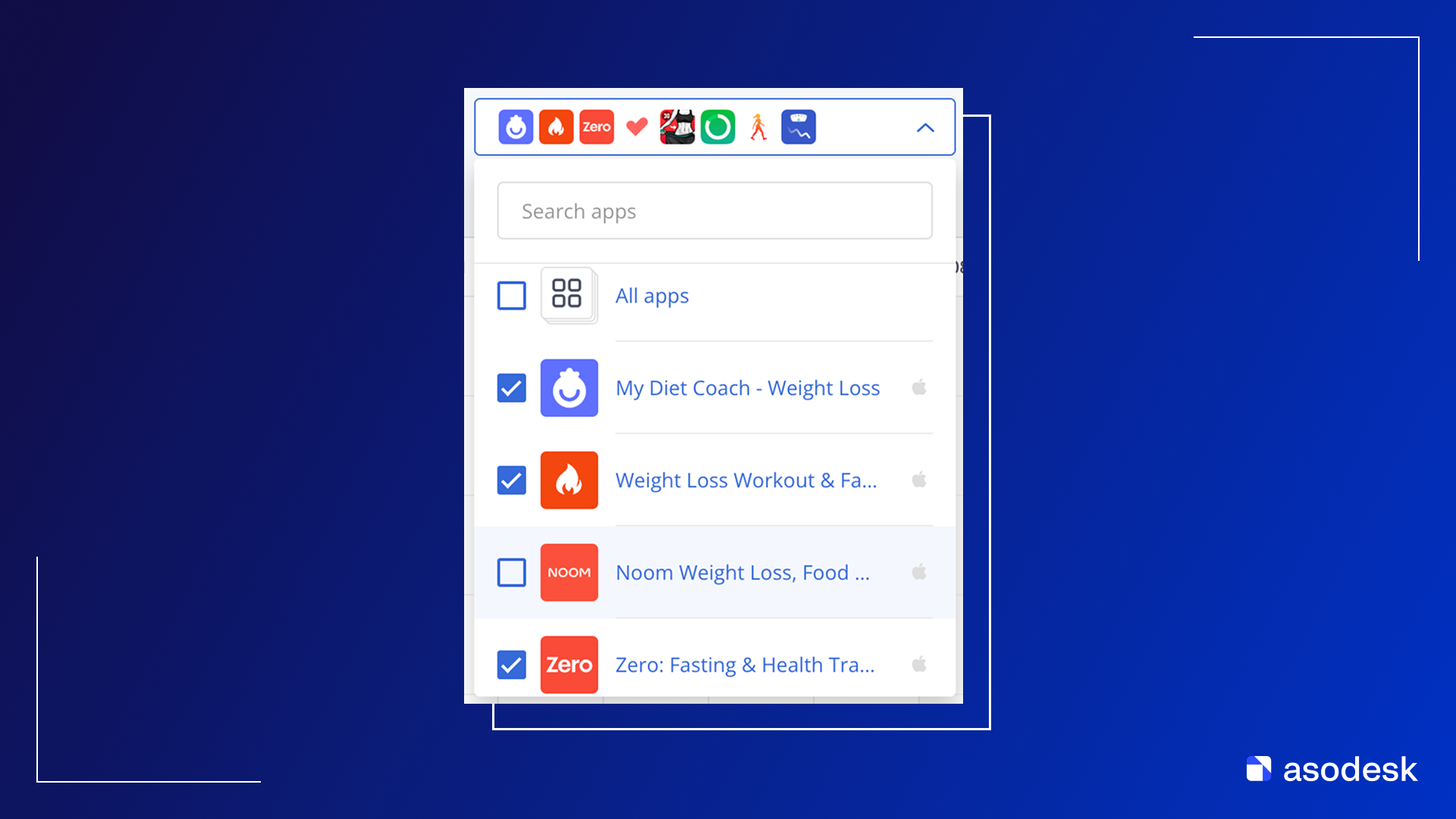
In App Update Timeline, you can view the update feed for any number of competitors.
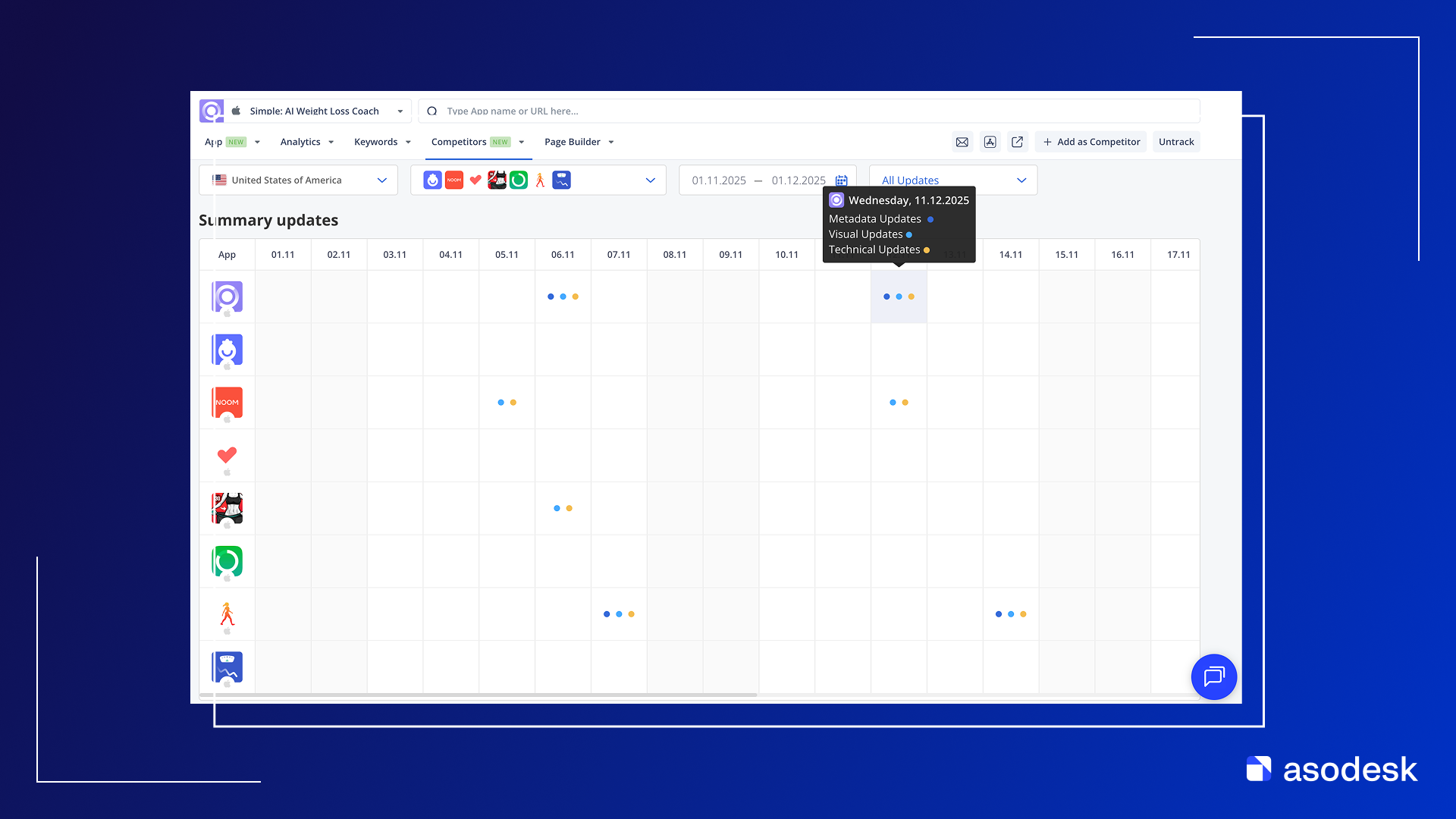
Summary updates
The chart shows which updates each app received on any given date. Each colored circle corresponds to an update type — Metadata, Visual, or Technical Updates.
Timeline mode
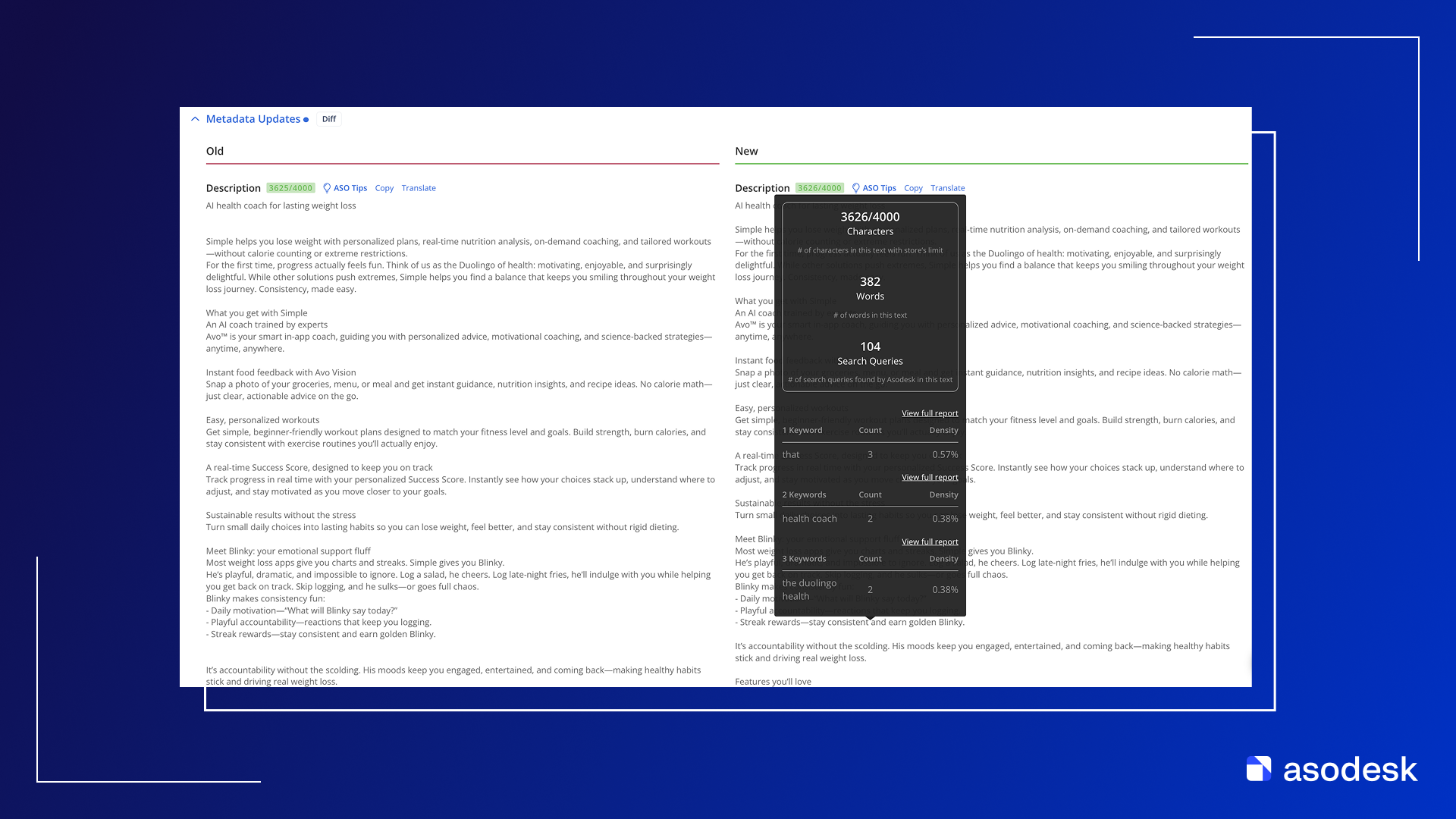
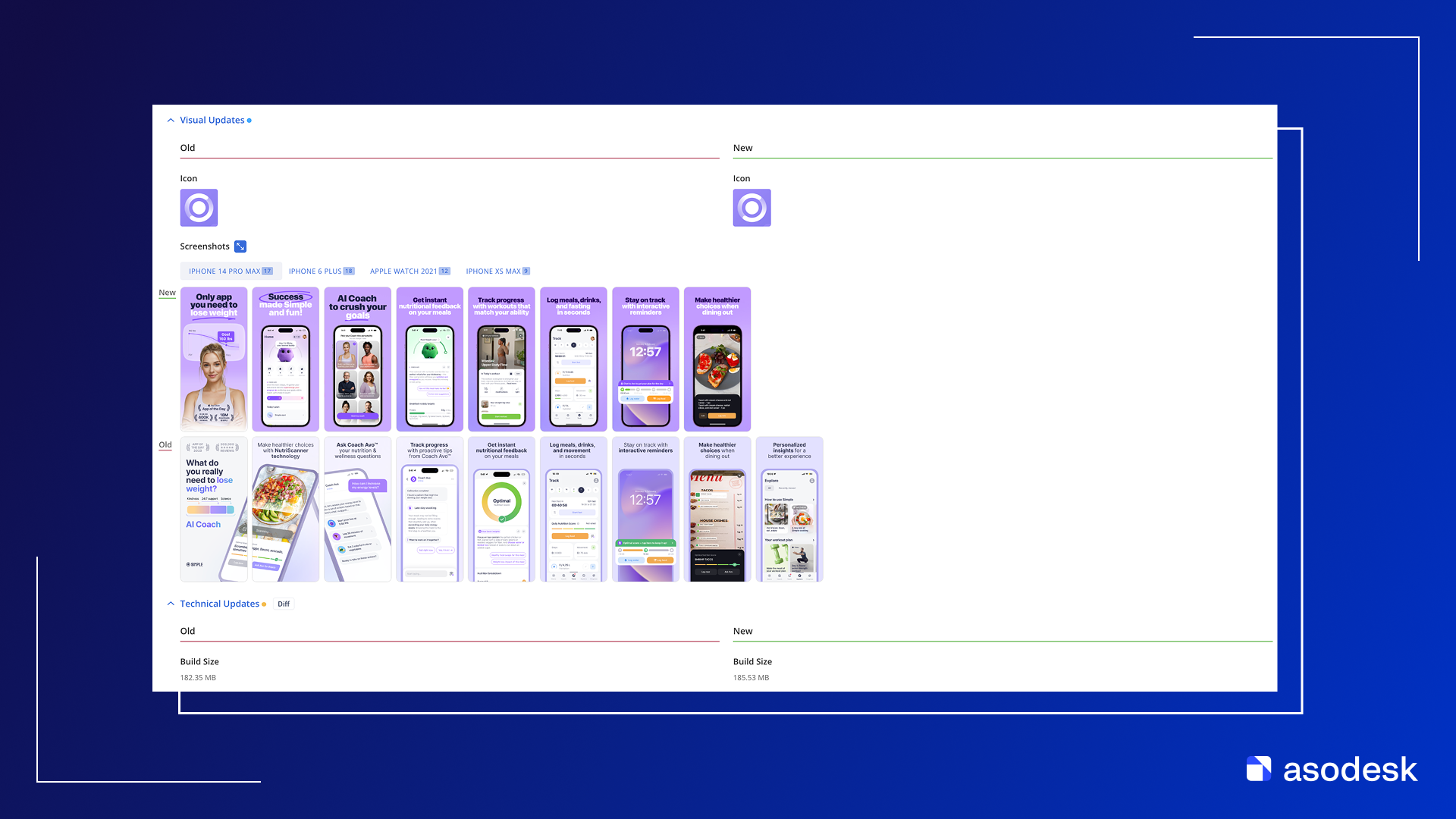
Each update is displayed as a card where the data is grouped by type of change.
Example of Metadata Updates:
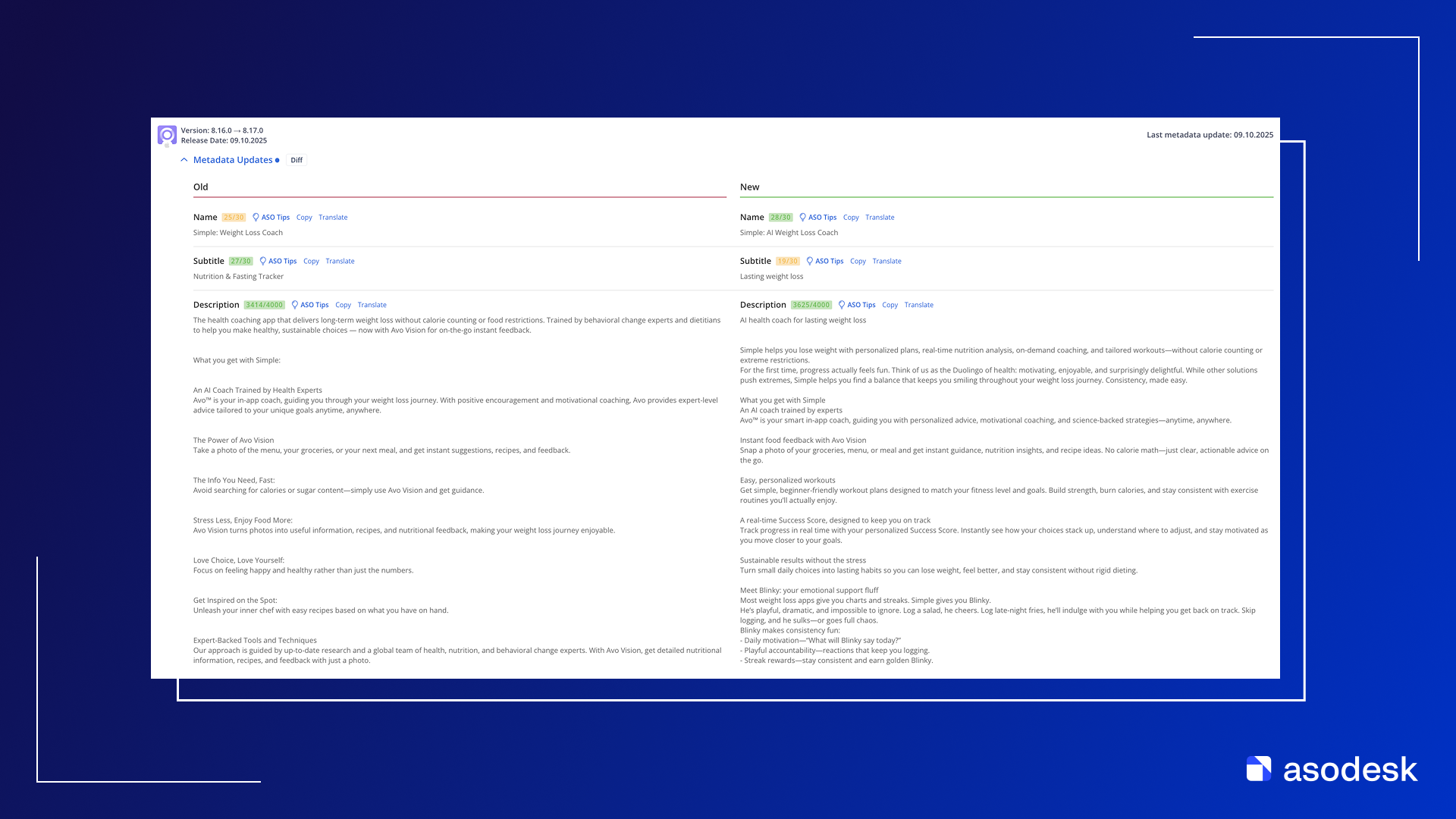
ASO Tips are available for textual metadata.
Example of Visual Updates and Technical Updates:
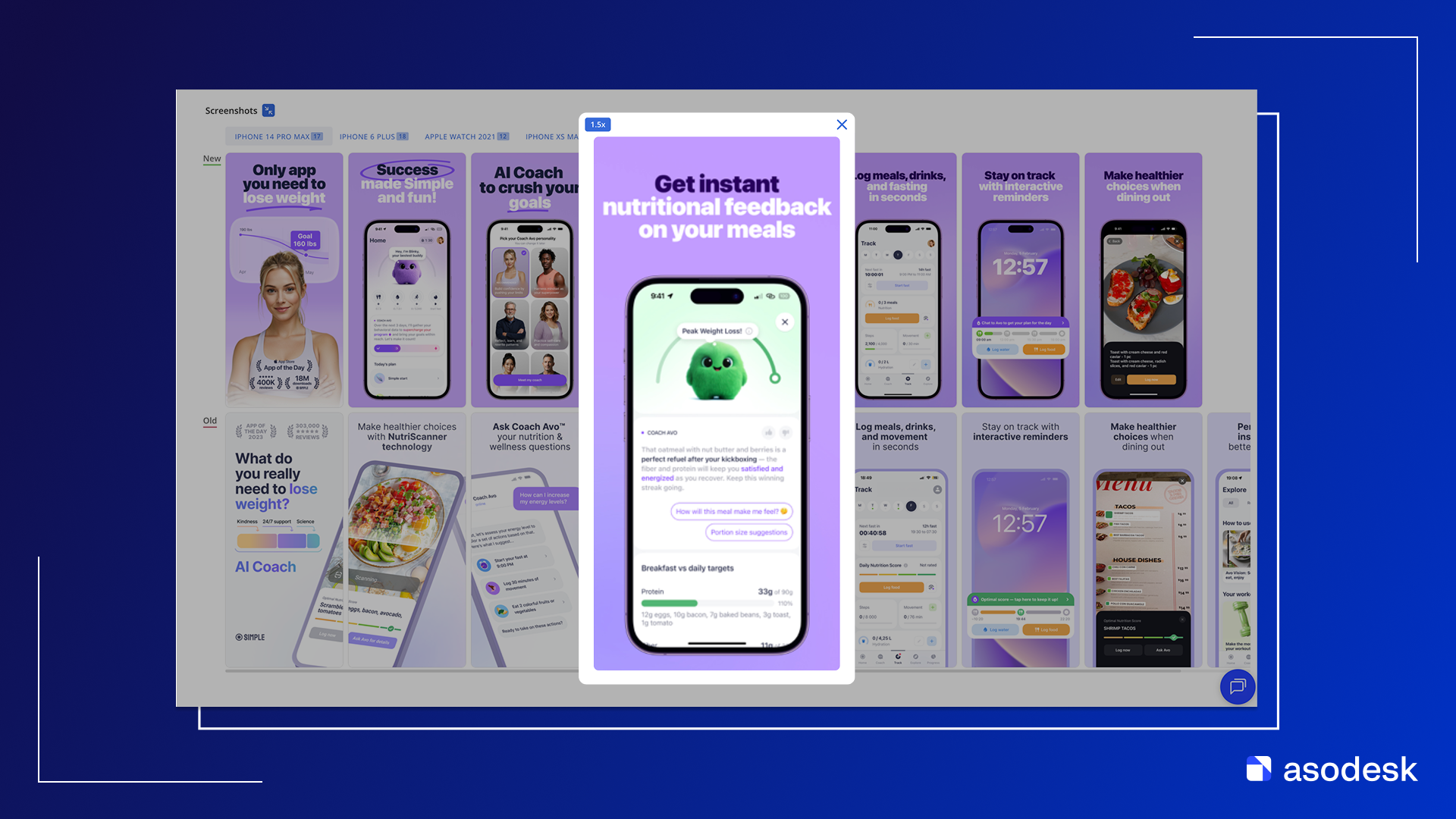
Note: screenshots can be compared in full-screen mode with individual zoom for each one. Zoom also works for the app icon.
Summary mode
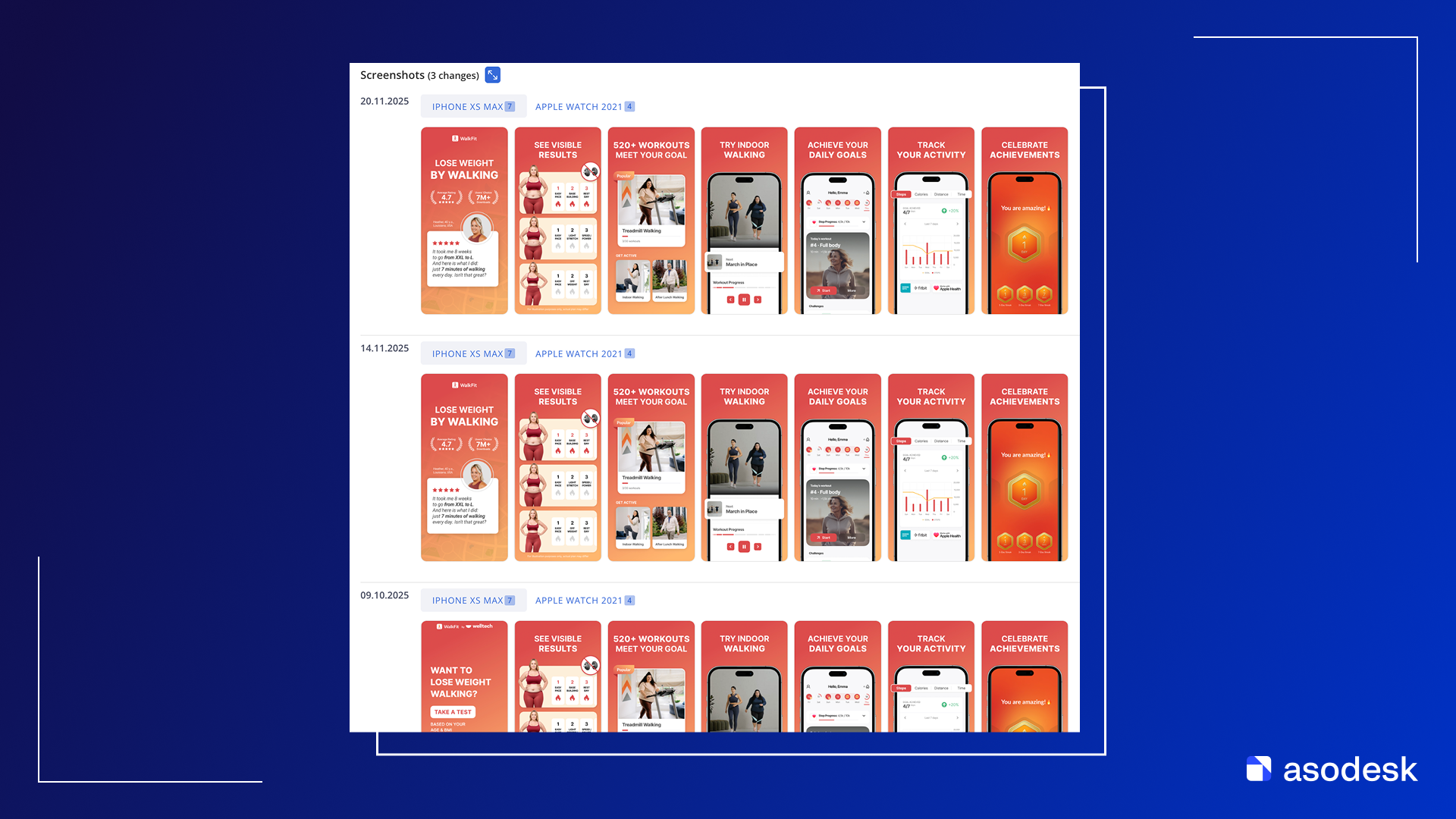
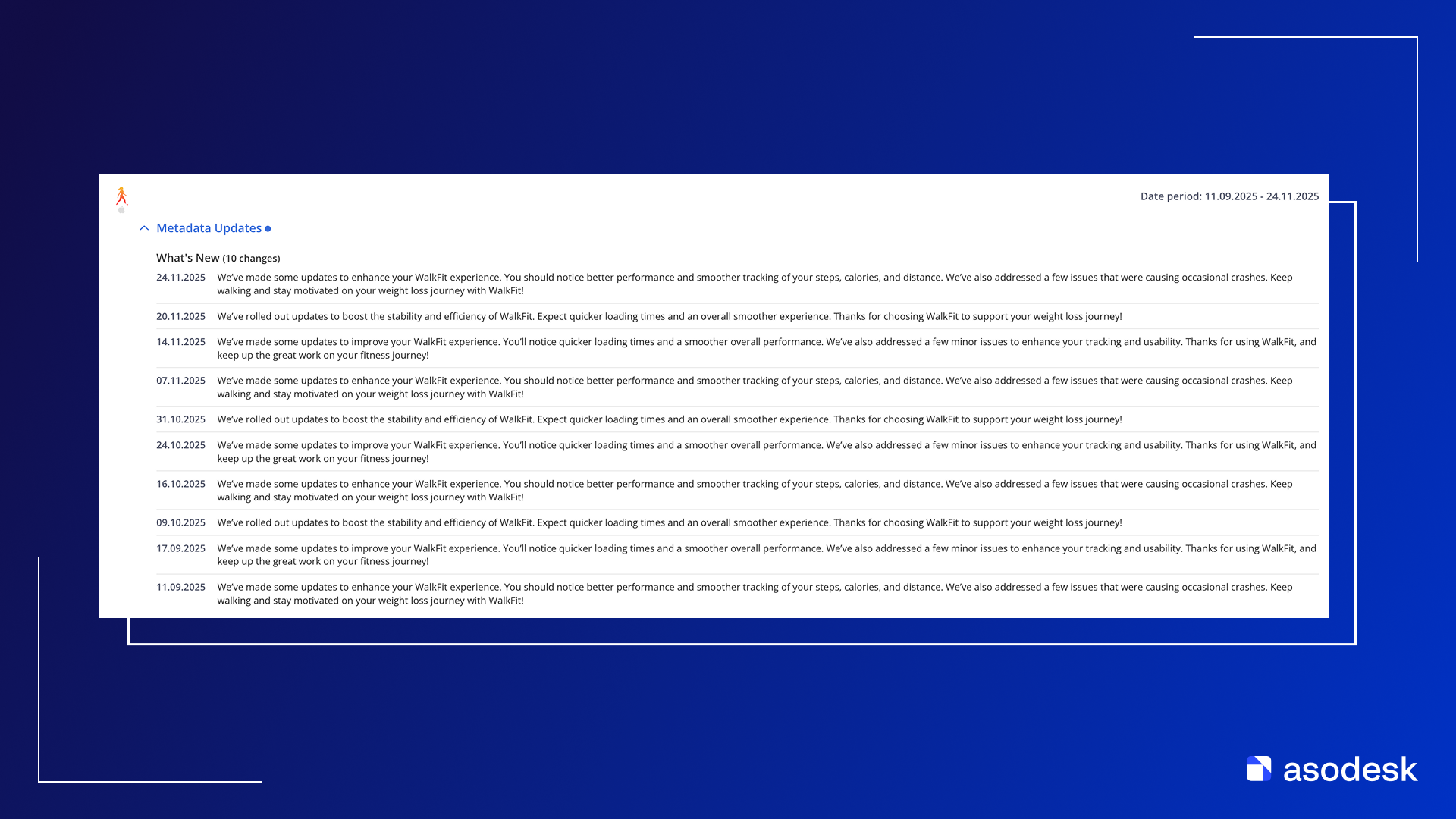
In Summary mode, you can view all changes made to an app over the selected time period, with the option to filter by specific types of updates.
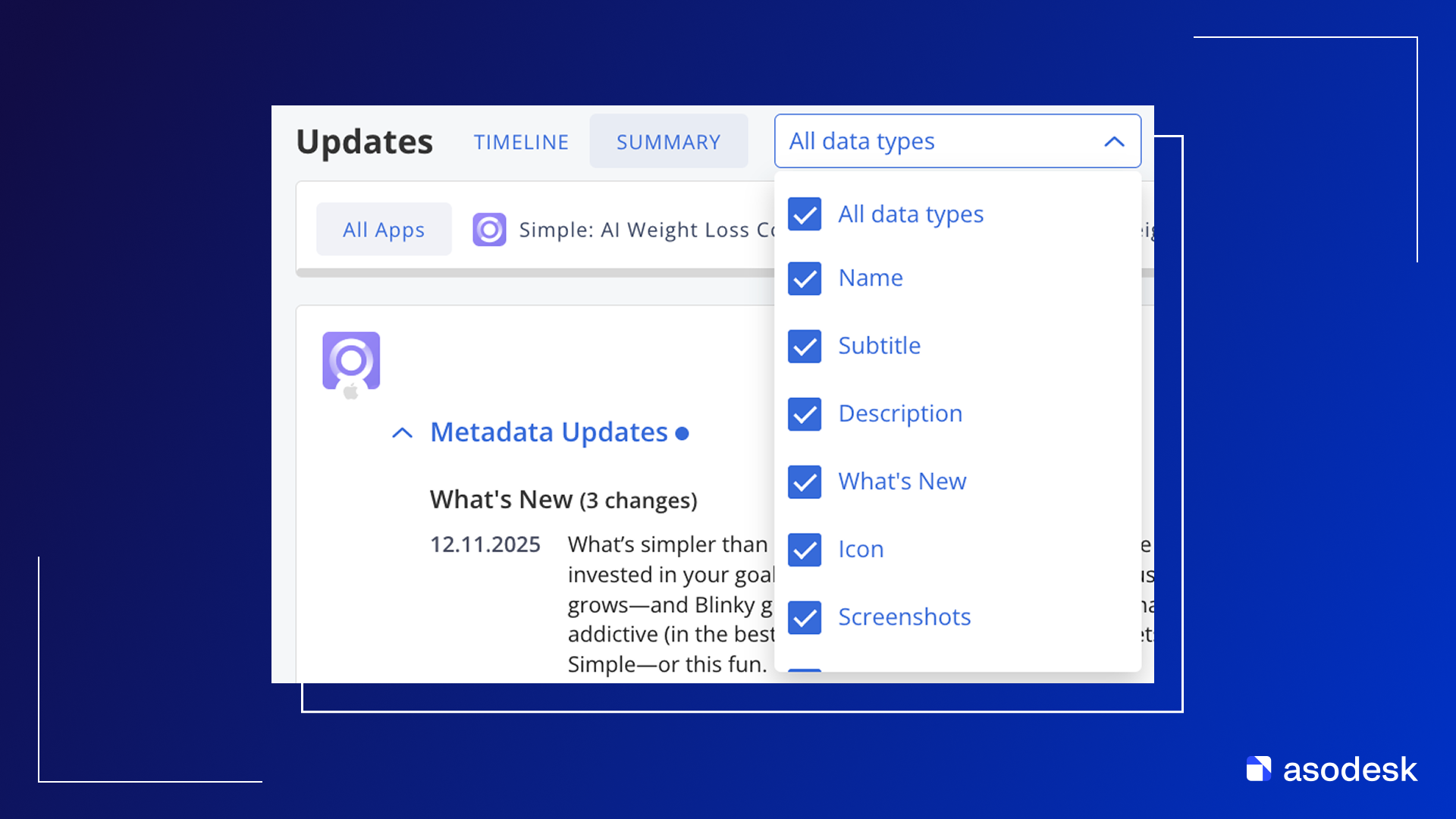
Example of screenshot changes:
Example of What’s New changes:
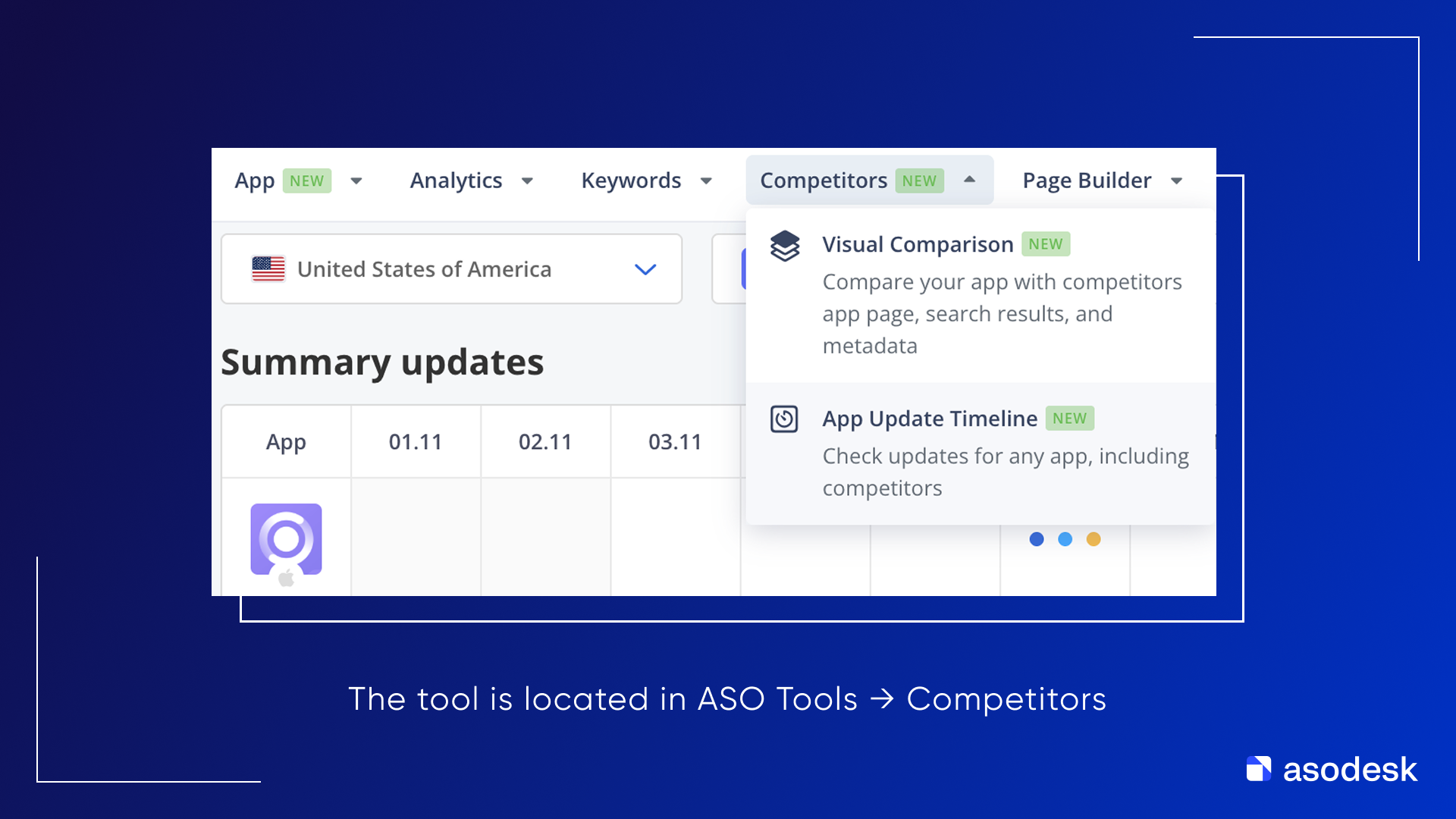
App Update Timeline availability
The tool is available starting from the ASO Pro plan.
Cyber Monday at Asodesk
The biggest discounts of the year continue at Asodesk! Only until December 7, you can get tools for ASO, competitor analysis, and review management at the best price.

During Cyber Monday, you’ll get access to:
- -30% off annual plans for ASO and review management;
- -30% off 3-month ASO plans;
- -10% off monthly plans for ASO and review management
🎁 We also have gifts for new users:
- Free training in Asodesk Academy for all new users (available with 3-month and annual plans)
- -20% off Asodesk Agency services for all new users (available with 3-month and annual plans)
You can find all the details of the offer at the link below.